AI-Powered Terminal

Your AI System
Administrator

An AI that works alongside you in the terminal. Bracket's built-in AI watches your session, diagnoses errors, advises what to do, and can take over to run commands for you. SSH, Mosh, and Telnet with SFTP, port forwarding, and tmux — on iOS, iPad, and Mac.

AI Built-in
3 Protocols
3 Platforms
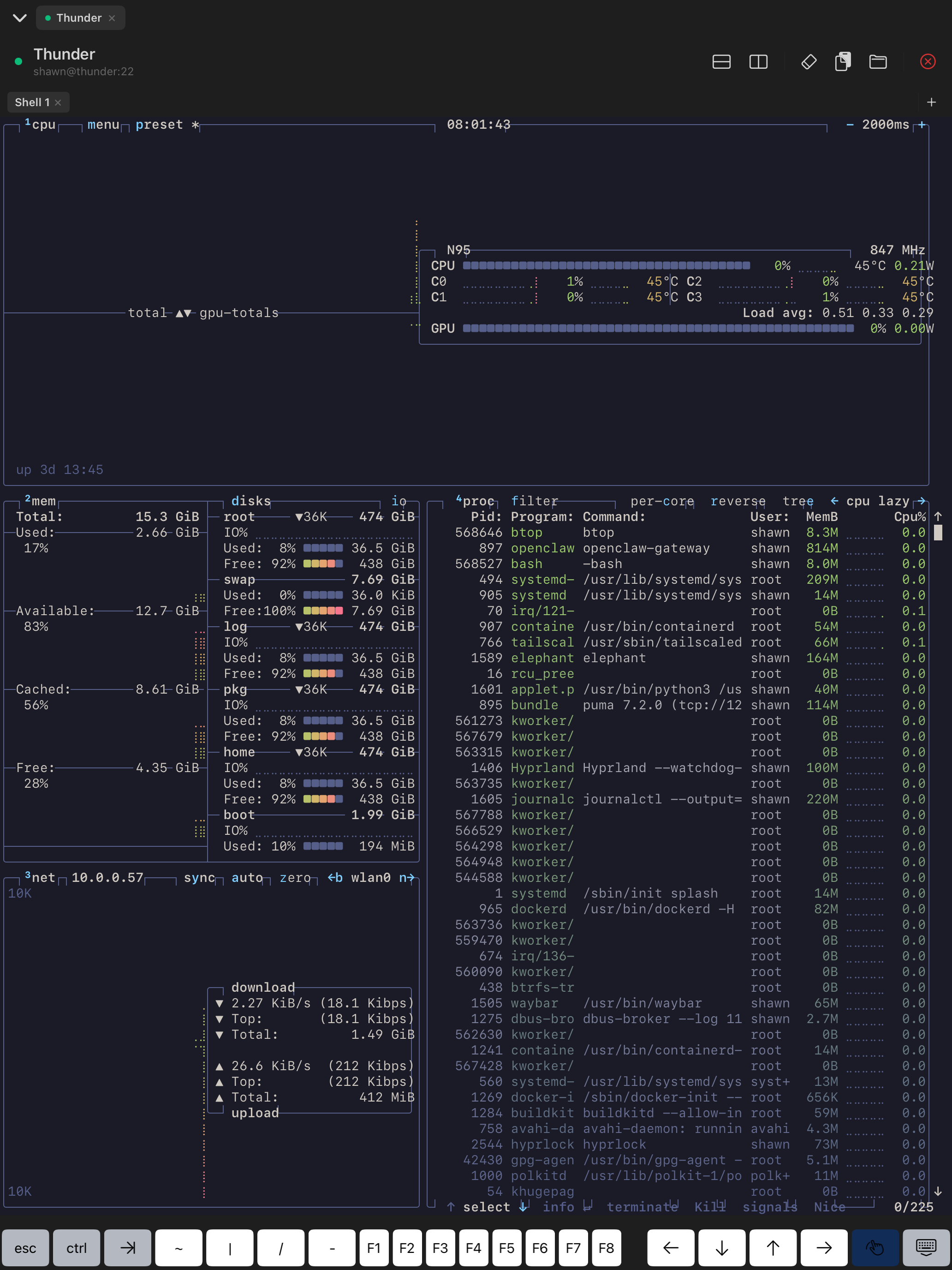
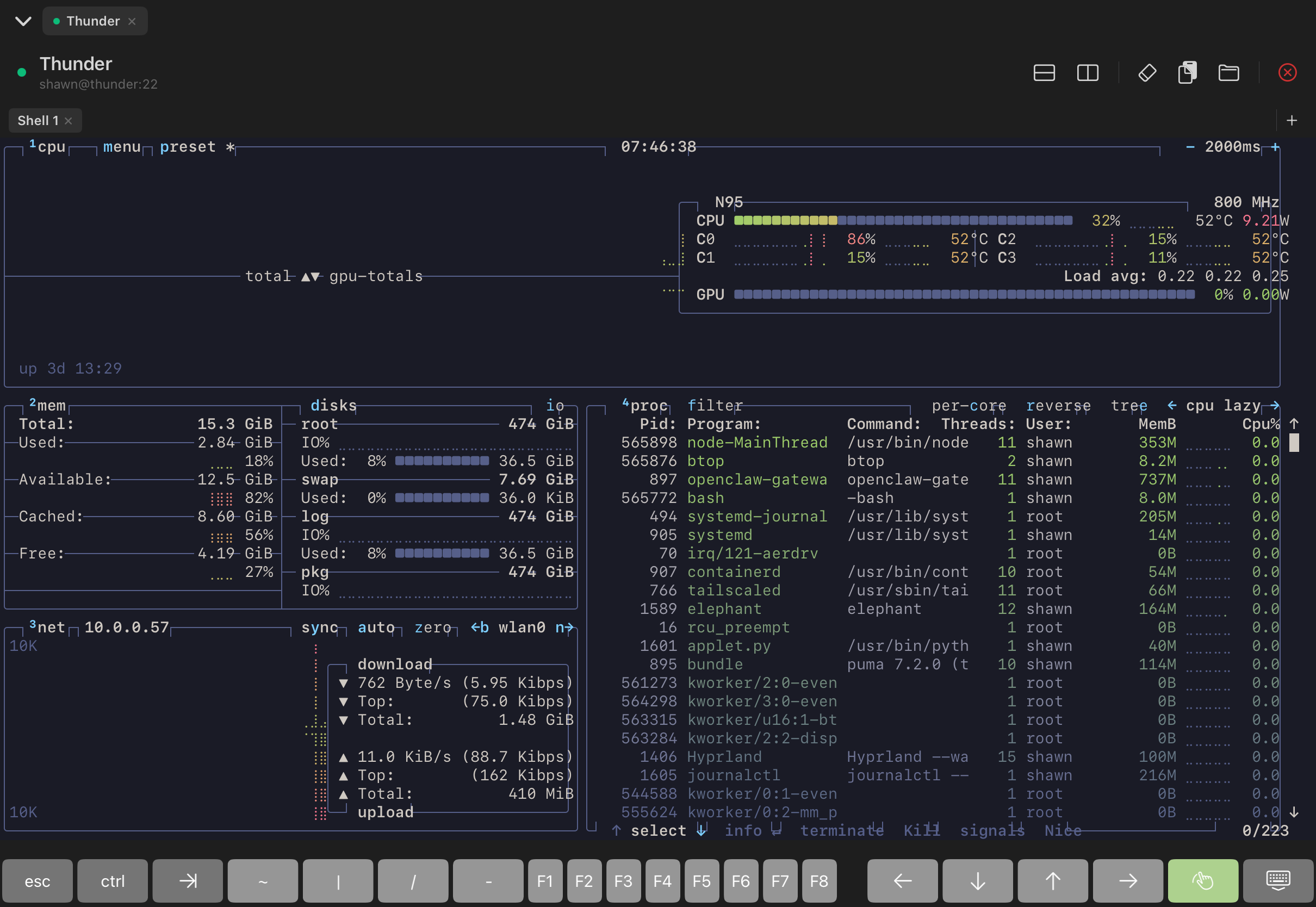
Bracket SSH Terminal - btop on iPad

AI Meets Terminal

A built-in AI system administrator that works with you in the same session

AI Assistant

AI watches your terminal session in real time. When you hit an error or get stuck, it advises exactly what to do — right in the terminal.

AI Command Execution

Let AI take over and run sequences of commands on your behalf. Watch it work in your terminal, step in anytime to take back control.

Professional Terminal

Full xterm-256color support with 8 beautiful themes, custom keyboard with special keys, and search with regex.

SSH, Mosh & Telnet

Three protocols in one app. SSH for secure access, Mosh for mobile roaming that survives network changes, and Telnet for legacy systems.

Security First

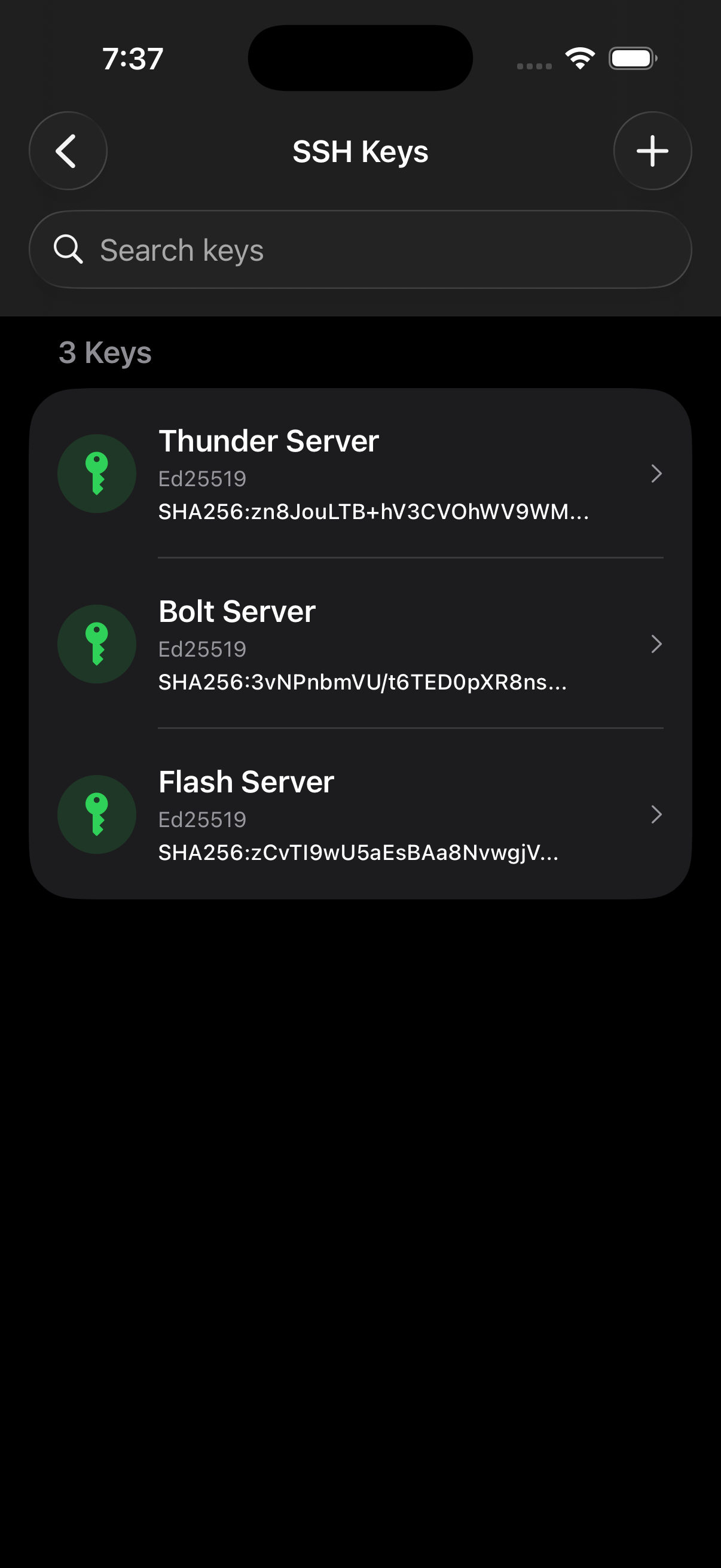
Host key verification protects against MITM attacks. SSH keys and certificates stored in iOS Keychain with Face ID protection.

Multiple Sessions

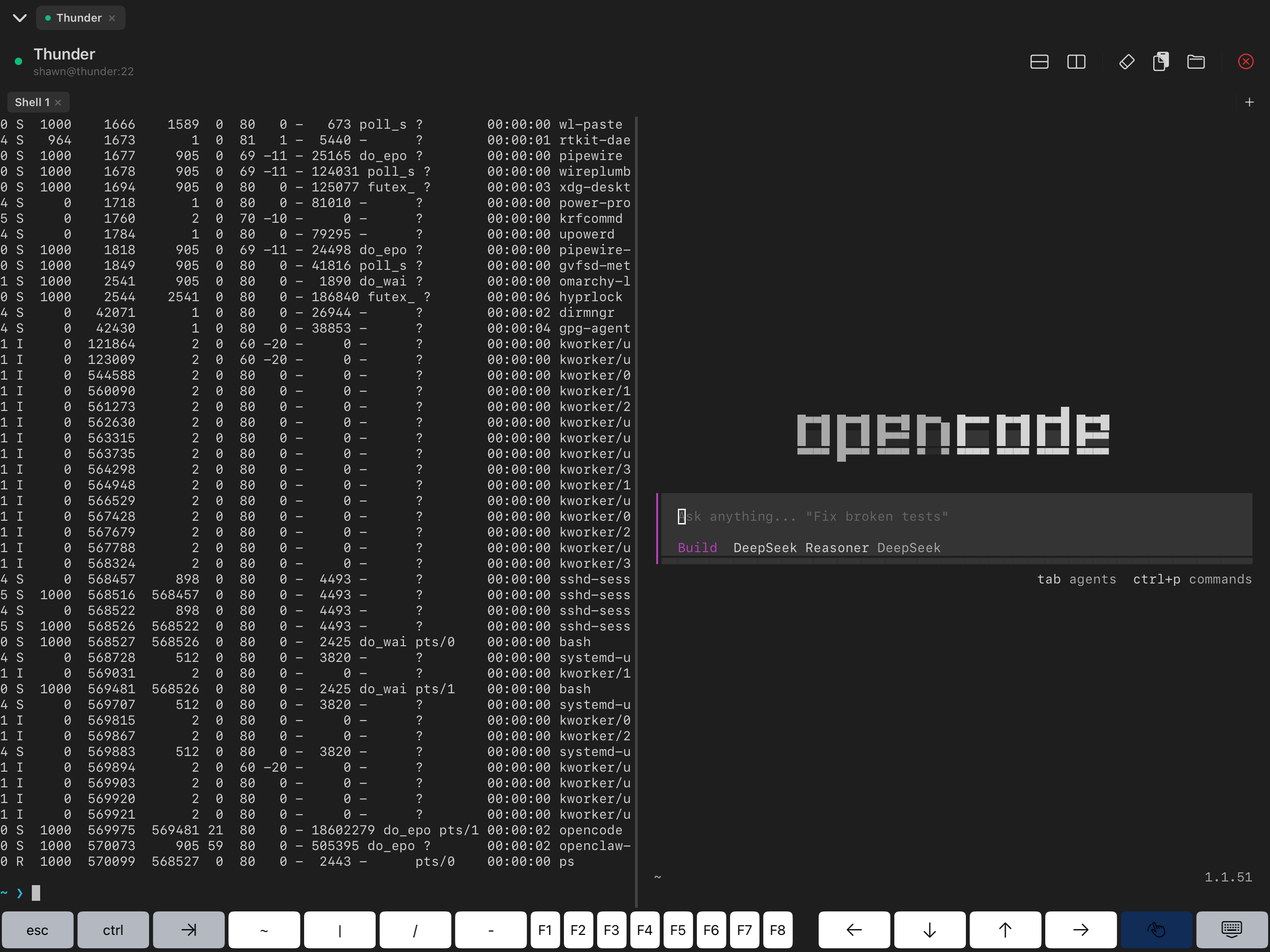
Connect to multiple servers at once. Switch between sessions with tabs and split your terminal into panes.

Tmux Session Restore

Persistent terminal sessions powered by tmux. Disconnect and pick up exactly where you left off with custom commands.

File Transfers

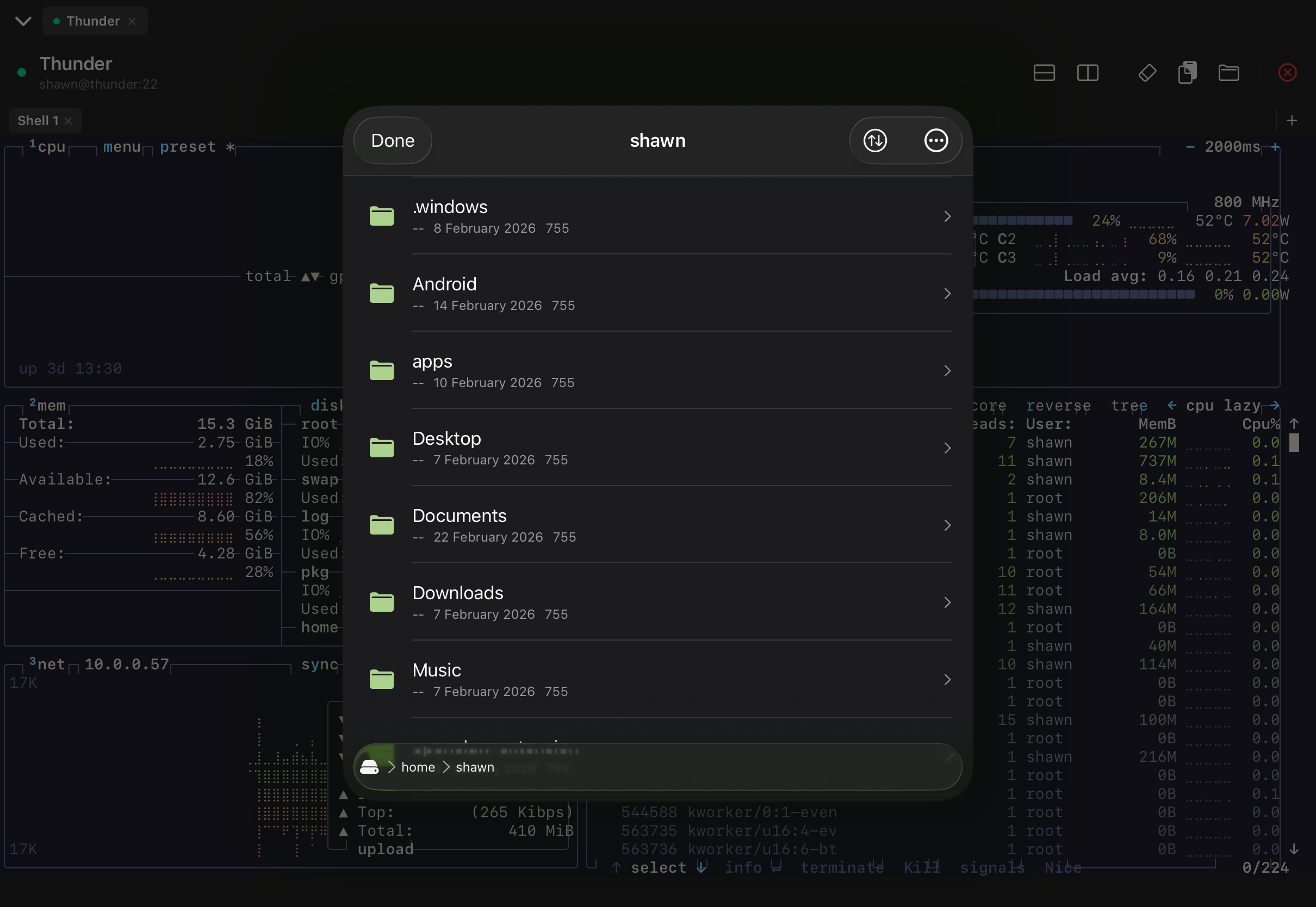
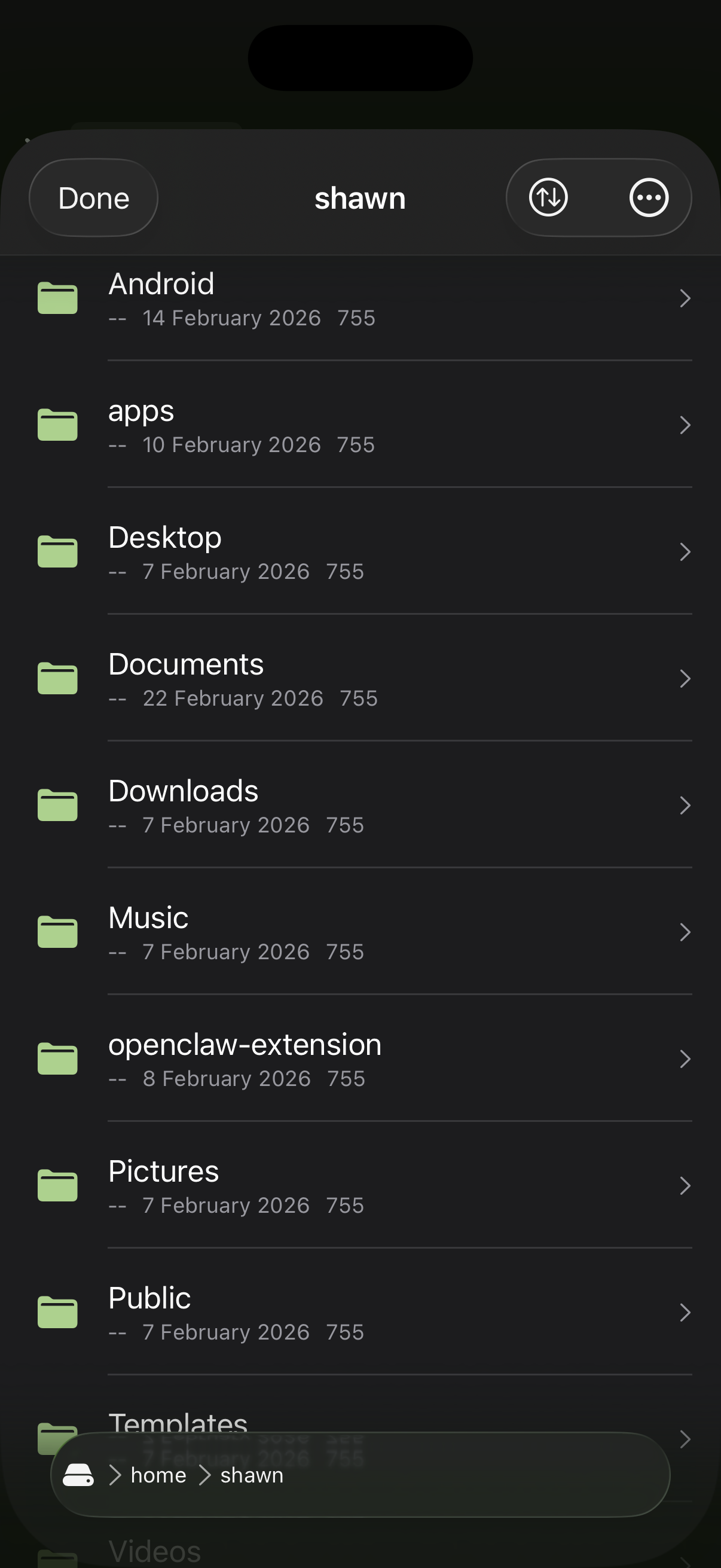
Built-in SFTP browser and SCP support. Upload, download, and manage files with drag & drop on iPad.

iCloud Sync

Your connections sync seamlessly across all your devices. Set up once, connect from anywhere.

Port Forwarding

Local, remote, and dynamic (SOCKS) port forwarding. Access services behind firewalls securely.

iPad & Mac

Native on iPad and macOS. Stage Manager, split view, hardware keyboard shortcuts, and an interface designed for large screens.

See It in Action

A native iOS experience crafted for power users

iPad

btop on iPad

Terminal

SFTP on iPad

SFTP Browser

Split View on iPad

Split View

iPhone

Welcome Screen

Welcome

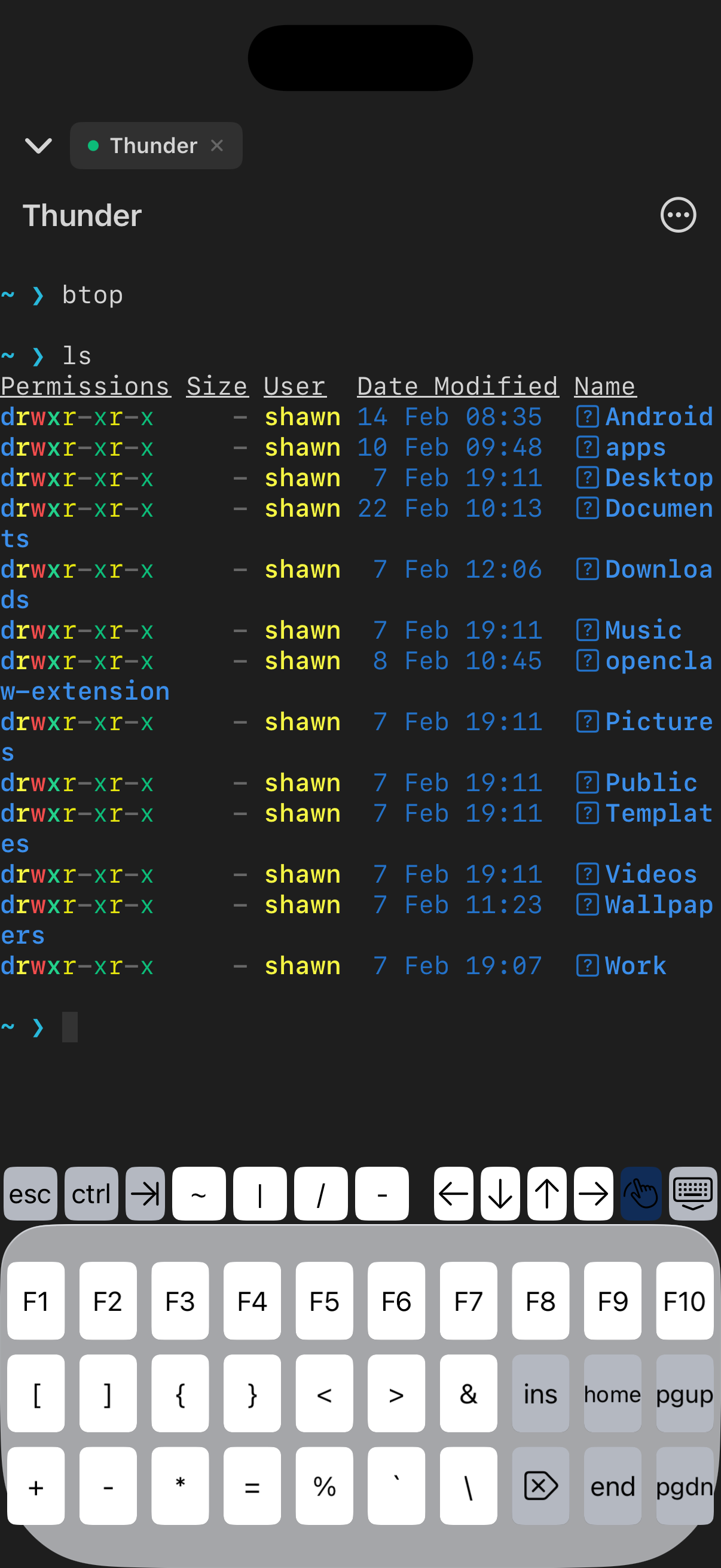
Terminal on iPhone

Terminal

SFTP on iPhone

SFTP Browser

SSH Keys

SSH Keys

Built for Security

Your connections are protected with industry-standard encryption and verification.

  • Host Key Verification - Automatic detection of man-in-the-middle attacks
  • iOS Keychain Storage - SSH keys encrypted and protected by Face ID
  • Certificate Authentication - Enterprise-grade CA-signed keys
  • 2FA / TOTP Support - Google Authenticator compatible
  • No Tracking - No analytics, no ads, privacy focused

Verified Connection

Host key fingerprint matches known hosts

SHA256:aBcDeFgHiJkLmNoPqRsTuVwXyZ

Get Bracket Today

Download now and let AI manage your servers alongside you — on iPhone, iPad, and Mac.

iOS 18.0+ iPadOS 18.0+ macOS 15.0+